
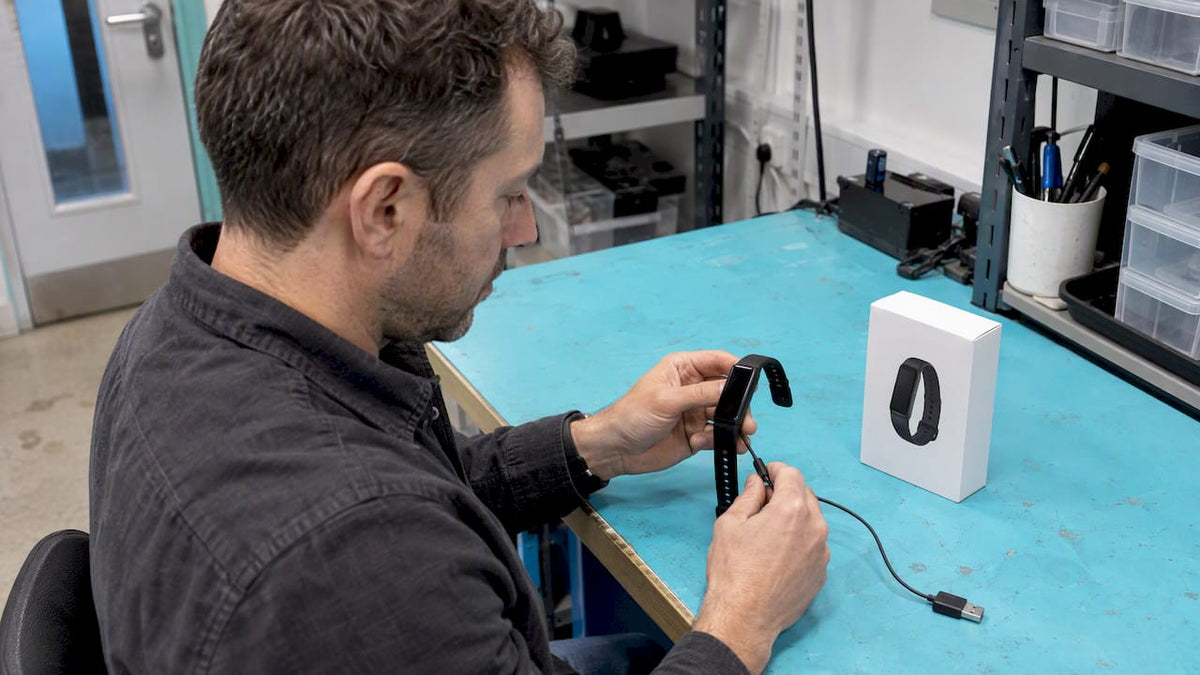
Expect anything from one day to several weeks depending on the device class: choose the class that matches how you use GPS, screen and sensors. Basic screenless bands and rings often run a week or more between charges, mainstream AMOLED smartwatches typically need charging every few days, and GPS-expedition watches with solar or MIP screens can stretch past a month. Match the class to your habits before you look at any single headline figure.
TL;DR:
- A commuter can manage daily charging; runners should seek one to three days with GPS, while hikers need at least 36 hours of GPS runtime.
- GearJunkie’s Garmin Enduro 3 test reached 4% after 22 days and 31.5 hours of tracking, versus vendor claims of 36 days in typical use.
- Continuous GPS, an always on display, and background heart rate or oxygen monitoring drain batteries faster than intermittent tracking with the screen off.
- Solar charging can extend runtime in sustained strong sunlight, but typical UK cloud cover makes it a top up, not a dependable battery plan.
Table of Contents
- Typical battery life ranges by device class
- What actually drains or extends battery life
- Reviewer and user-reported battery figures explained
- How to compare battery claims before buying
- What our testing approach tells battery-conscious buyers
- Battery life versus features: the trade-off worth making
- Where Voltra fits if battery life is your priority
- FAQ
- Sources
Typical battery life ranges by device class
Manufacturers love a big number on the box, but the figure that matters is the one tied to a specific mode. Battery life splits broadly into four device classes, and each behaves differently once you add a screen, GPS or continuous sensors.
- Screenless bands and rings: no display to power, so runtime commonly stretches to a week or beyond, as seen with the Fitbit Air, which ran just over eight days in PCMag UK’s real-world testing against a roughly week-long manufacturer estimate.
- Mainstream screen-based smartwatches: colour touchscreens and app ecosystems pull more current, so most need a charge every few days rather than weekly.
- AMOLED fitness watches: vivid always-on displays and dense notifications mean daily or near-daily charging is normal once GPS sessions are added.
- GPS-expedition watches with MIP or solar screens: transflective displays sip far less power, and models built for multi-day expeditions can run for weeks between charges under the right settings.
The charging cadence you should plan for follows the same pattern: daily for AMOLED smartwatches in heavy use, every few days for general-purpose smartwatches, weekly for most bands, and monthly or longer for dedicated expedition watches. A spec sheet that only quotes “up to X days” without naming the mode is giving you a best-case ceiling, not a realistic average.
What actually drains or extends battery life
The headline runtime on a box rarely survives contact with real use. A handful of settings decide whether you get the manufacturer’s best case or something much shorter.
- GPS mode and polling frequency: continuous multi-band tracking during a run or ride drains far more than intermittent or single-band positioning.
- Display technology and brightness: AMOLED screens, especially with always-on display switched on, use noticeably more power than transflective MIP panels or no screen at all.
- Sensor sampling: continuous heart-rate and SpO2 monitoring in the background adds a steady drain even when you’re not actively tracking a workout, a point worth weighing alongside how continuous heart-rate sensors sample your pulse.
- Connectivity and notifications: constant Bluetooth syncing, phone notifications and extra watch faces or third-party apps all add small, cumulative costs.
- Firmware efficiency: two devices with near-identical hardware can show different real-world runtimes purely down to how well the software manages background tasks.
- Solar charging: genuinely useful as a top-up, but it depends on sustained, strong sunlight, something the UK climate doesn’t reliably offer.
Battery ageing matters too. Lithium-ion cells lose capacity gradually, so a tracker that lasted a week when new may need charging every four or five days after a couple of years of regular use, even with identical settings.
Pro Tip: If your battery seems to be draining faster than it used to, check always-on display and continuous GPS logging first, those two settings cause more unexpected drain than almost anything else.

Reviewer and user-reported battery figures explained
Manufacturer claims describe a best-case. Independent testing and forum reports show what happens once GPS, always-on display and continuous sensors are actually switched on.
- Multi-day GPS-capable watches can deliver anywhere from around 30 hours to more than 90 hours of continuous GPS tracking, depending on screen type and whether solar is involved.
- Mainstream AMOLED smartwatches more typically run for one to seven days between charges, depending on how much of that time includes GPS use.
- Screenless or ring-style devices can reach seven to sixteen or more days, since there’s no display to power.
GearJunkie’s testing of the Garmin Enduro 3 recorded the watch dropping to 4% after 22 days covering 31.5 hours of full-featured tracking, against vendor claims of 36 days in typical use and up to 90 days with solar in specific modes. That gap between tested and claimed figures is the clearest reason to read the test conditions, not just the top-line number.
Always check what the reviewer actually had switched on: GPS mode (single-band versus multi-band), whether always-on display was enabled, and whether sleep and continuous heart-rate tracking ran throughout. Community reports on brand forums echo this: users on long-running Forerunner battery life threads regularly describe runtimes well below the advertised maximum once GPS and always-on display see heavy use.
How to compare battery claims before buying
A simple checklist keeps you from being misled by a vague “up to X days” badge on the box.
- Look for mode-specific figures: a spec sheet that states GPS hours separately from general smartwatch days is more trustworthy than a single headline number.
- Check the reviewer’s test settings: a figure measured with continuous GPS and always-on display tells you far more than an idle-use estimate.
- Question solar or MIP claims for your climate: solar gains are real in strong sunlight but modest under typical UK cloud cover.
- Weigh your own charging habit: a nightly charger on the bedside table suits an AMOLED daily-wear watch; a weekly or monthly routine suits a band or expedition watch.
- Check published recharge times: fast-charge figures matter if you tend to top up in short bursts rather than overnight.
Three quick scenarios: a commuter checking steps and notifications is fine with a daily-charge AMOLED watch, a regular runner wants one to three days of battery including GPS sessions, and a multi-day hiker should look for 36-plus hours of GPS runtime or a MIP/solar device built for expeditions. Before buying, read a model-specific review and a forum thread or two to see what real owners report.
What our testing approach tells battery-conscious buyers
We build our devices around long battery life and free lifetime access to your own data, so you’re not choosing between runtime and features just to avoid a subscription. Our product lines, VOLTRA AIR, VOLTRA PRO and VOLTRA CORE, are built to reduce how often you reach for a charger while still tracking sleep, heart health and activity in detail.
We’ve kept the screen and sensor choices simple on purpose: fewer unnecessary background processes mean less drain and fewer surprises between charges.

Battery life versus features: the trade-off worth making
Most people don’t need the watch with the longest possible battery life, they need the one that lasts through their actual week without nagging them to charge it, as explained in the Long-Battery GPS Tracker overview on reducing charge frequency. My practical rule: pick the least battery-hungry device that still covers your essential features, then build a simple habit, like charging on a fixed day, rather than waiting for a low-battery alert to catch you out. A five-minute top-up while you shower beats a dead tracker on race day.
— Sam
Where Voltra fits if battery life is your priority
If charging anxiety is part of why you’re shopping, our range is built around exactly that problem: long battery life paired with lifetime free access to your data, with no recurring fees to unlock features later. VOLTRA AIR suits anyone who wants a lighter, lower-maintenance tracker, while VOLTRA PRO and VOLTRA CORE add more detailed metrics for people tracking recovery, stress or cycle data more closely.
Compare the specs on each collection page, including charging cadence and sensor set, and check the warranty details before you order to see which line matches your routine.
FAQ
Which fitness tracker has the longest battery life?
GPS-expedition watches with MIP or solar screens generally last longest, with some models tested running for weeks between charges in real-world GPS testing. Screenless bands and rings also perform well, often lasting a week or more, as shown in independent testing of the Fitbit Air.
Which fitness tracker has the best battery life for everyday use?
For daily wear without constant charging, screenless bands or MIP-screen watches tend to offer the best balance of runtime and features. AMOLED smartwatches look sharper but usually need charging every day or two once GPS and always-on display are in regular use.
How long should a fitness tracker last before charging?
Most mainstream smartwatches need charging every few days, basic bands can often go a week or more, and GPS-expedition watches can stretch to several weeks depending on settings. The exact figure depends heavily on GPS use, always-on display and continuous heart-rate tracking.
Which tracker has the longest battery life between models?
Among tested devices, GPS watches with solar charging and transflective screens, such as the Fenix 8 Solar, reported base GPS runtimes of around 52 hours, extending to roughly 92 hours with strong sunlight. That solar benefit is best treated as a top-up rather than a guaranteed outcome, especially under typical UK cloud cover.
Why does my fitness tracker battery drain faster than advertised?
Continuous GPS tracking, always-on display and constant heart-rate or SpO2 sampling are the most common causes of faster-than-expected drain. Battery capacity also fades gradually with age, so a device several years old will typically need more frequent charging than it did when new.
Sources
- Fitbit Air - Review 2026 - PCMag UK
- Garmin Enduro GPS Watch 3 Review | GearJunkie Tested
- Garmin Fenix 8 Solar GPS Watch Review
Share:
Researchers: PPG vs ECG: AF 95.6% Sensitivity, Report Data Loss
Visceral Fat Scores: Why 13+ Needs Context in the UK